Figma Wireframe
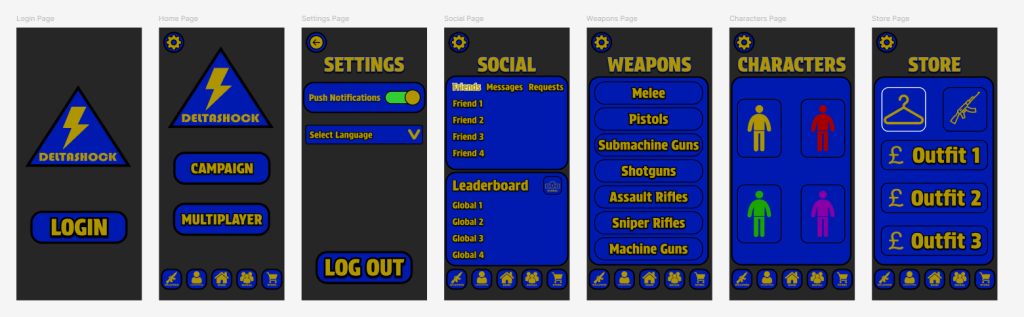
To begin with, I chose the main pages that are required for my app; Login, Home, Settings, Social, Weapons, Characters and Store. Besides from the login page, the rest of the main pages are interconnected to allow easy access between them instead of the requirement of heading back to the home page.
I then created a user flow chart that shows the connections between the pages and also shows the connections to the content on each page.

The user starts on the login page and is required to log in to their account to access the home page. The home page contains information about the two different games with a campaign and multiplayer. The settings page is where notifications can be toggled, the app language can be modified and the user can log back out. The social page is where the player can see friends, messages and friend requests in one section and the global and friends leaderboards in the other section. The weapons page is where the user can see overlays of the different weapon types and the different icons and damage stats of each weapon. The characters page is where the user can see the different types of character classes and view a description of each one. The store page is where the user can view outfits and gun skins that are available for purchase.
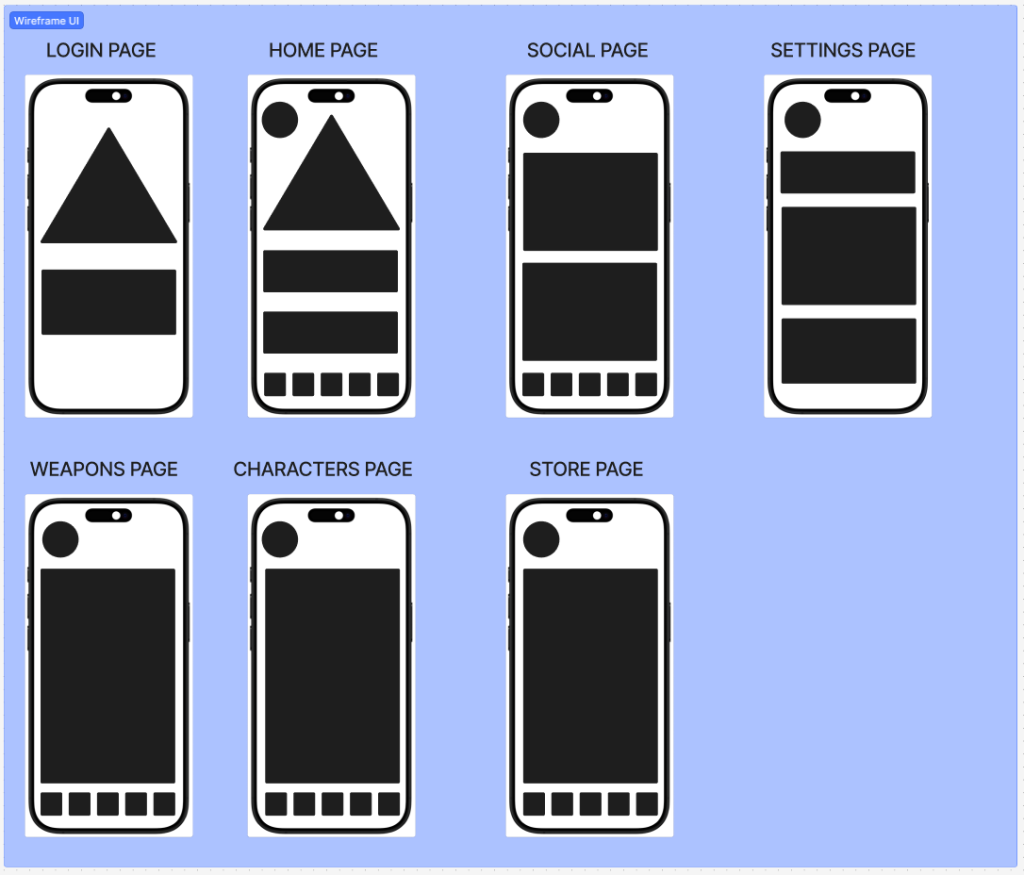
Next, I made a wireframe UI with all the main pages and their layouts visible to help me visualise the next step of designing the app on Figma.
When putting the main pages down on Figma, I decided to add the names of the settings, social, weapons, characters and store pages to ensure that the user knows what page that they are currently on.